GreatApps
Free & open source

Docksy

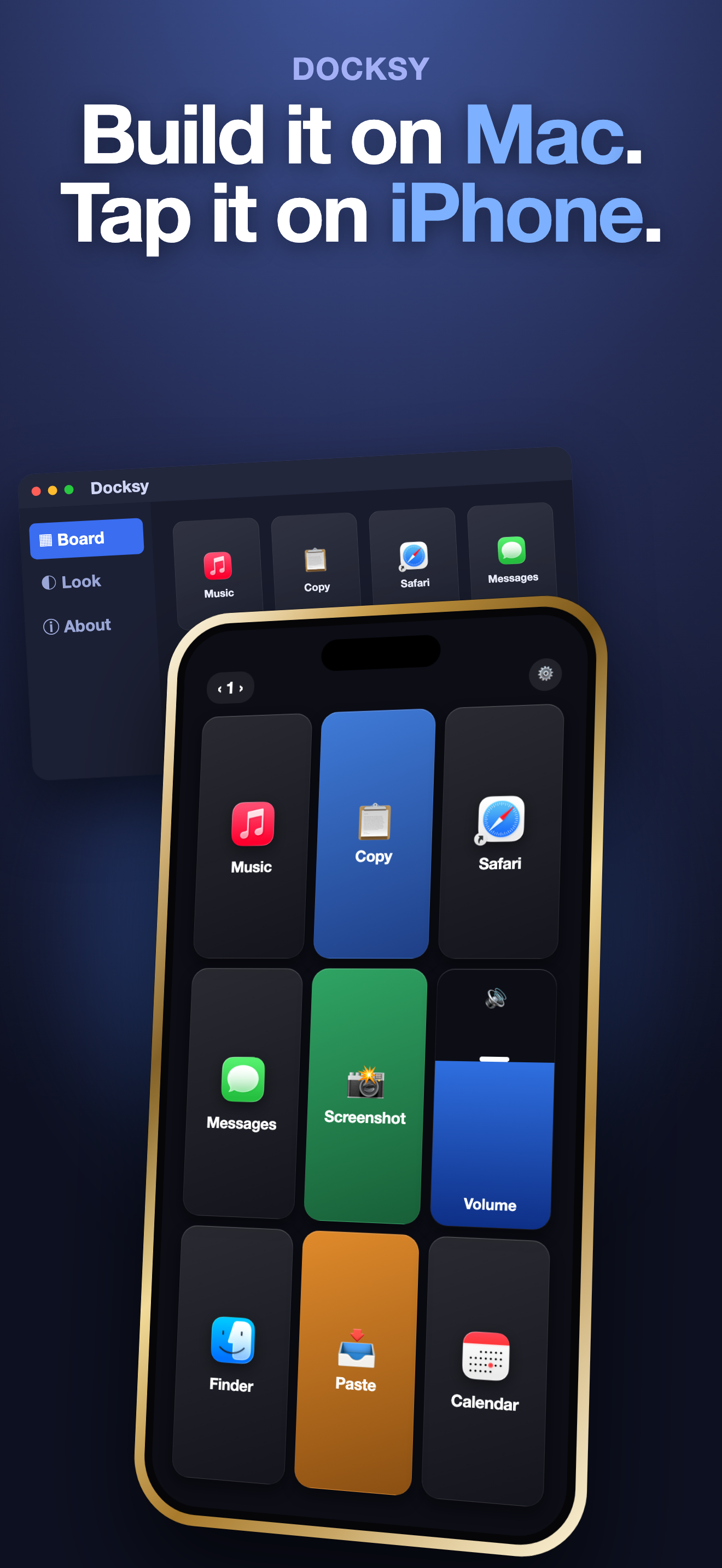
Turn a spare iPhone or iPad into a deck of glass buttons that run things on your Mac with one tap.

The phone app is free on the App Store
Docksy on Mac and iPhone
How it works

Three taps to set up

1

Install on your Mac

Download the free Docksy app for Mac and open it. Grant it permission to run shortcuts, and leave it running.

2

Open it on your phone

Get Docksy from the App Store on a spare iPhone or iPad and allow Local Network access so it can find your Mac.

3

Tap and go

On the same Wi-Fi, your Mac shows up automatically. Build your deck of buttons and start tapping.

💡

What you need: a Mac running the free Docksy app, an iPhone or iPad, and both on the same local Wi-Fi network. Everything stays on your own devices. There is no account and nothing is sent to the cloud.

What you can do

Put anything on a button

⌨️

Keyboard shortcuts

Copy, paste, or any combo you choose. Just press the keys to record it.

🚀

Open anything

Launch an app, a website, a file, or a folder the moment you tap.

🪟

Control windows

Close, minimize, hide, or quit. Tidy your desktop with one press.

🔊

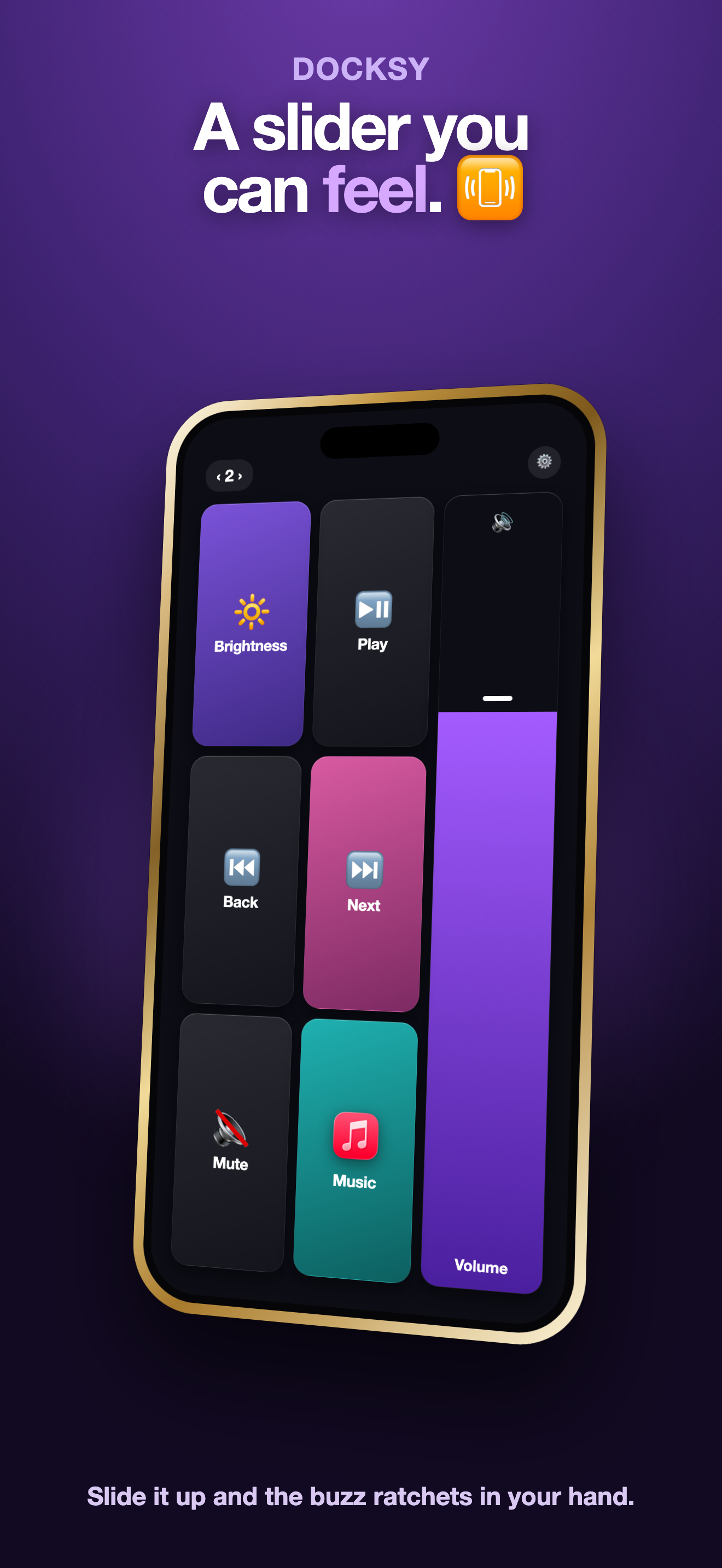
A slider you can feel

A volume slider that buzzes in your hand as it rises. Play, pause, skip, mute.

⏱️

Timers & text

Countdown timers right on the key, and saved text snippets you reuse.

🎨

Make it yours

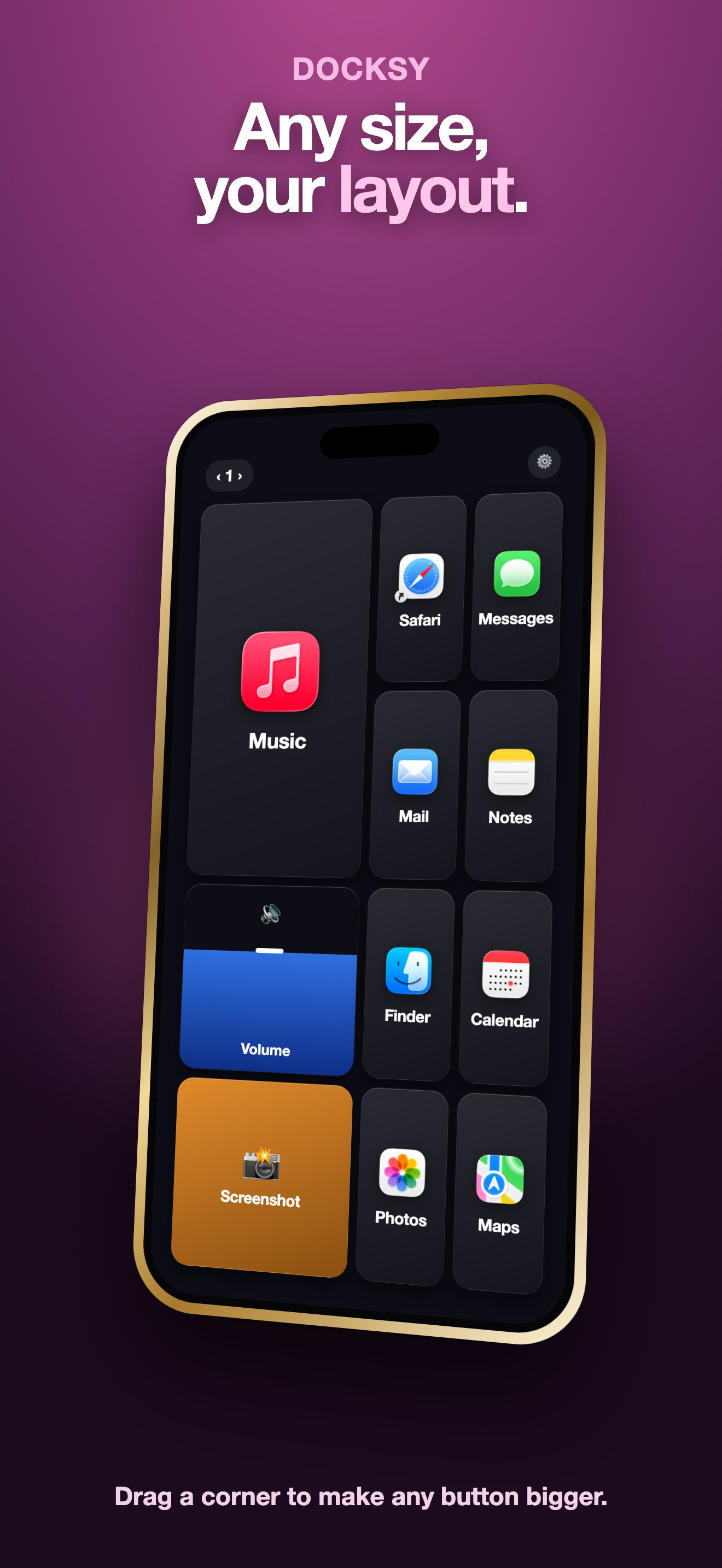
Any color, any icon or emoji, resizable keys, folders and pages.

A look inside

See it in action

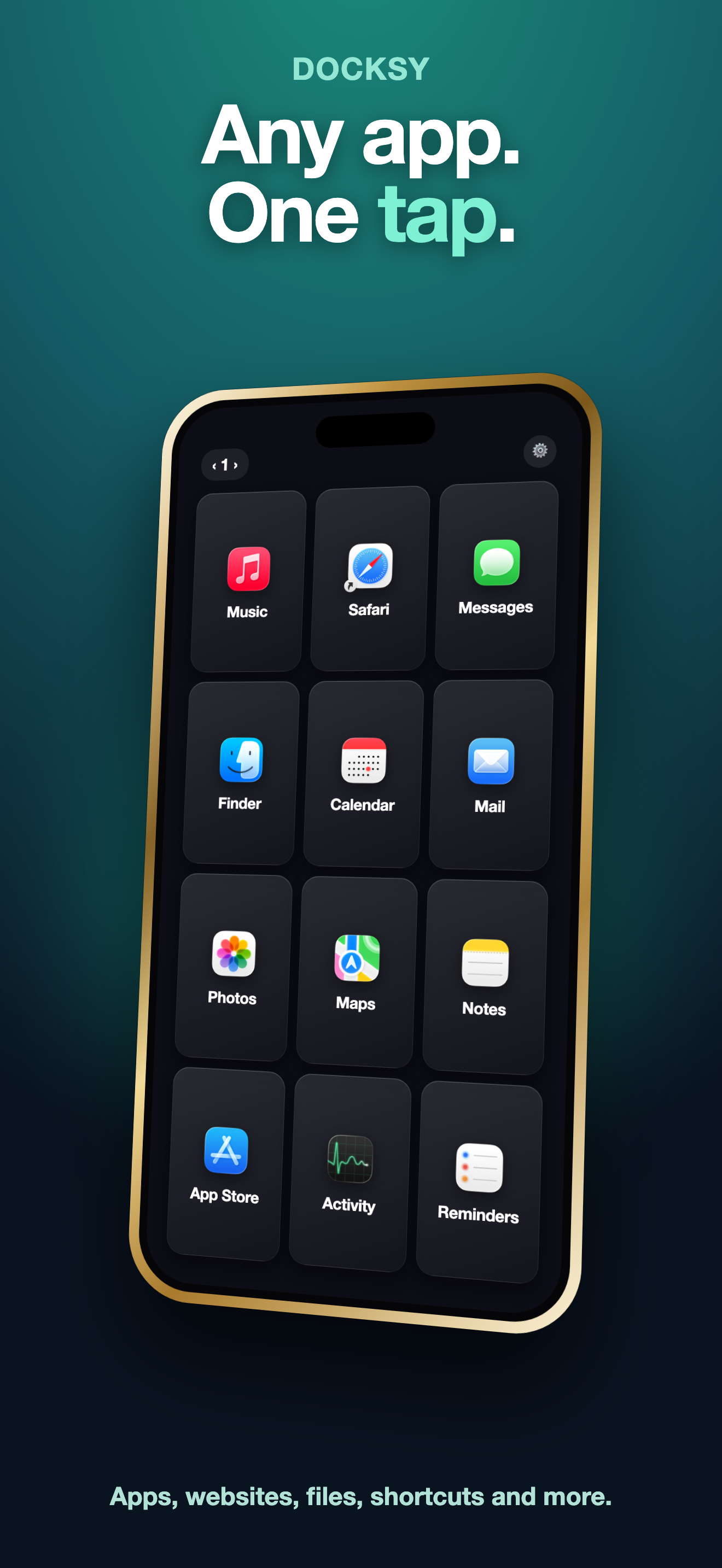
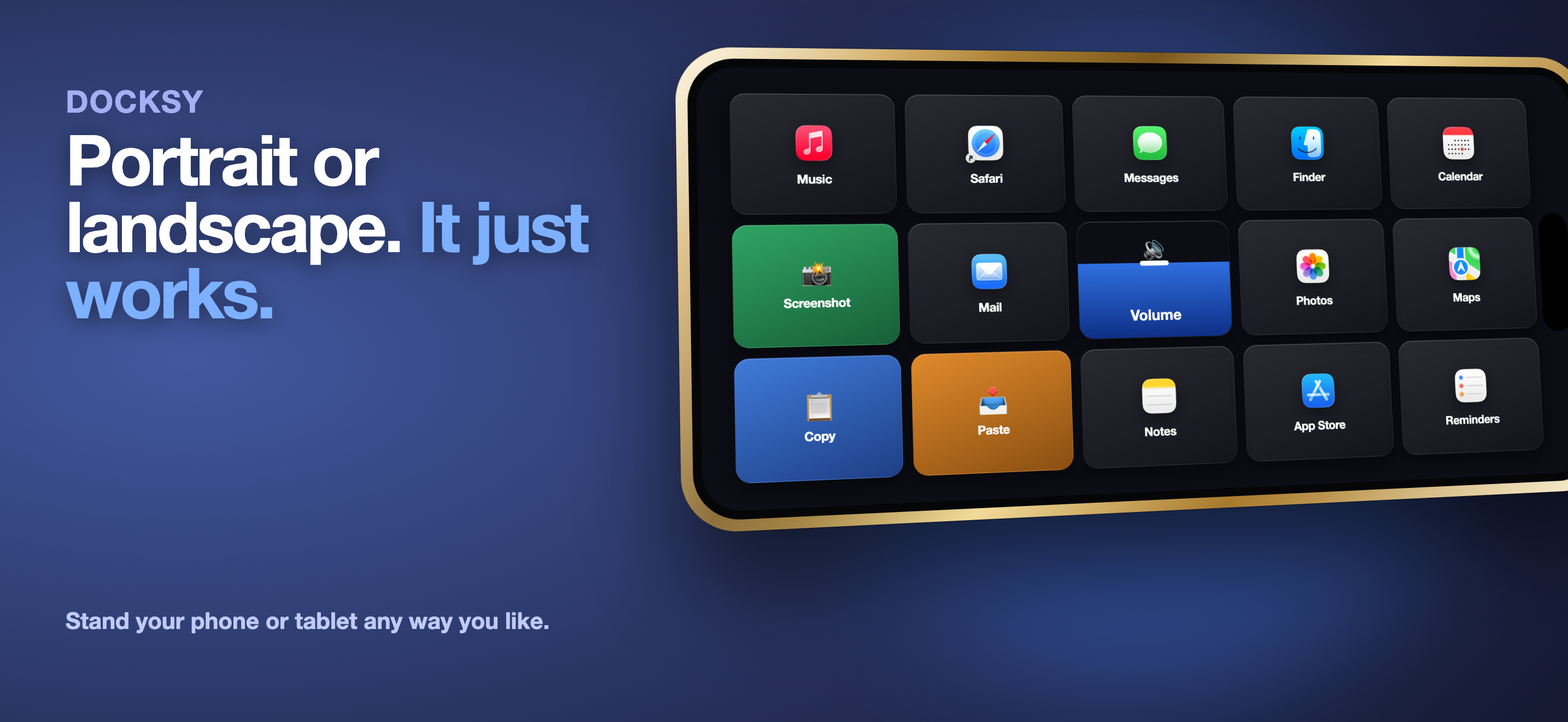
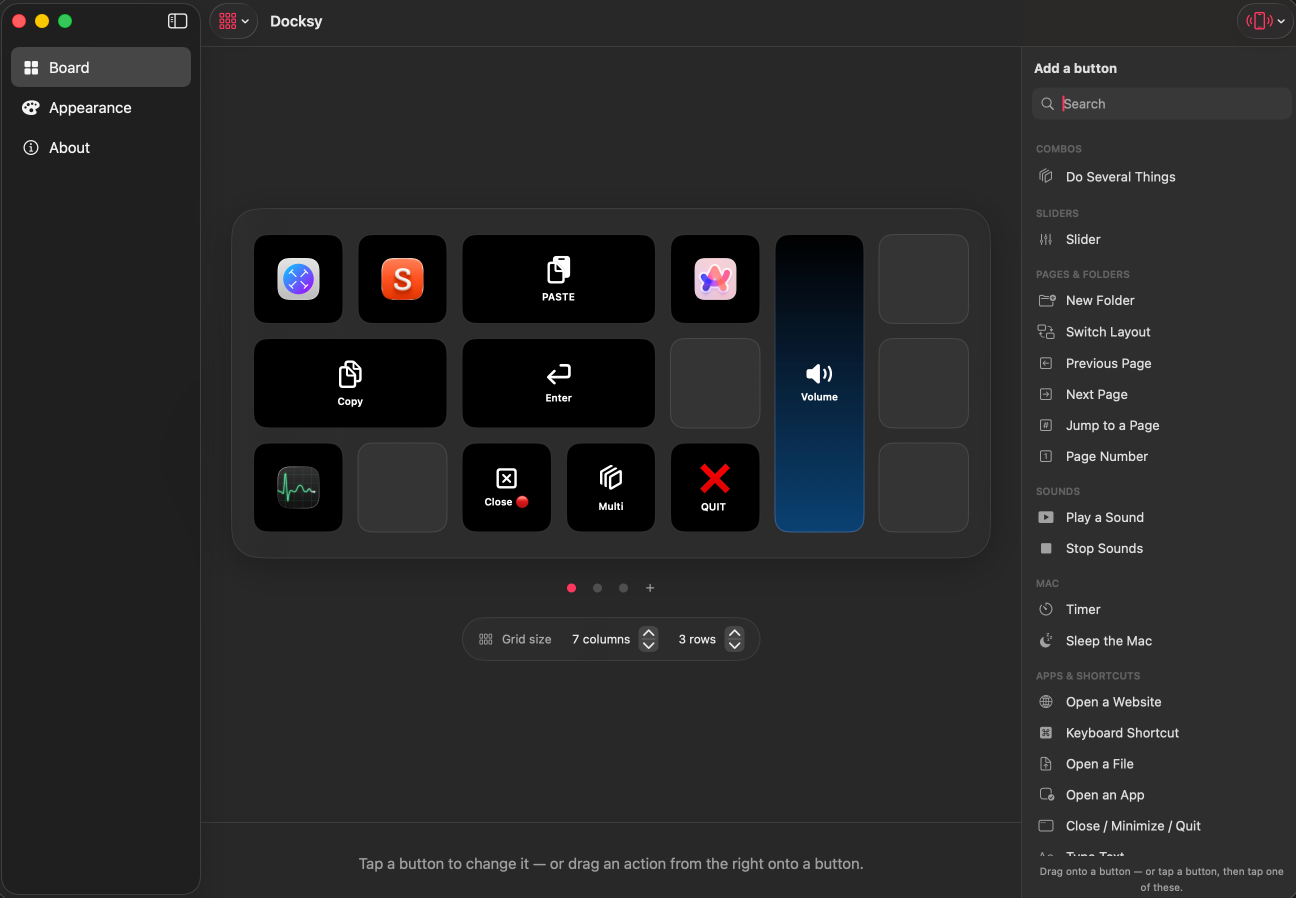
A full deck of app buttons Resizable buttons in any layout The volume slider with haptics Docksy in landscape The Docksy editor on Mac

Get the free Mac app

Download Docksy for Mac, then grab the free app on your phone from the App Store. That is the whole setup.